Peek Live, a Twitch extension
Every card on your stream, one hover away
Viewers point at any card on stream to see it full size, with its details and prices, in the card language they pick. Nothing to install for them: it is right in the Twitch player.
Free for streamers and viewers.
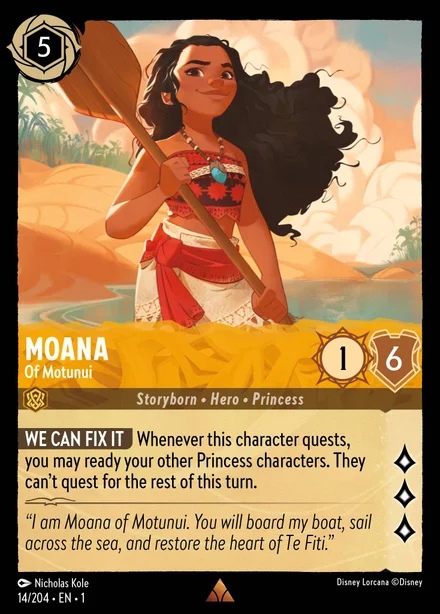
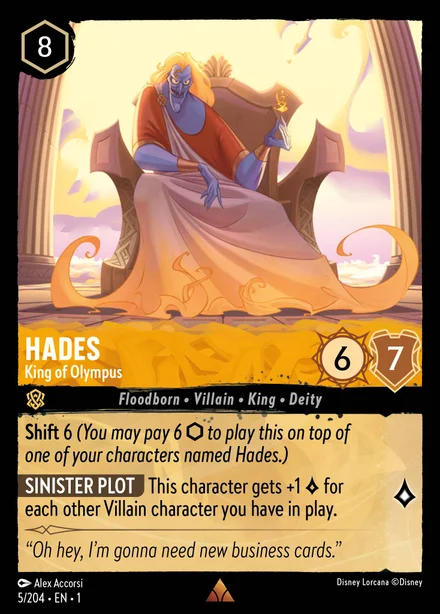
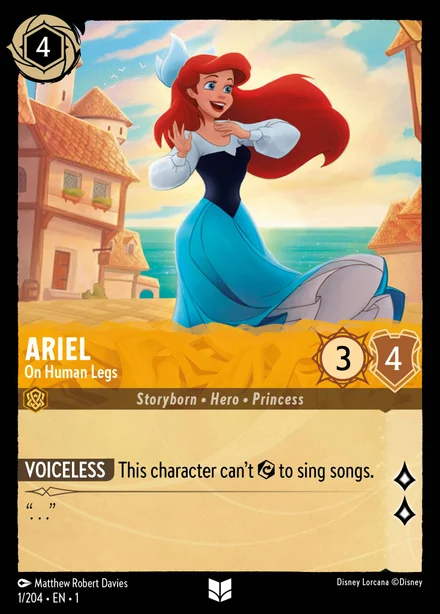
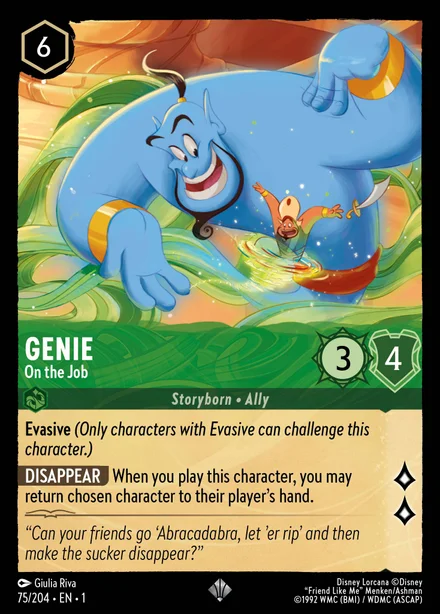
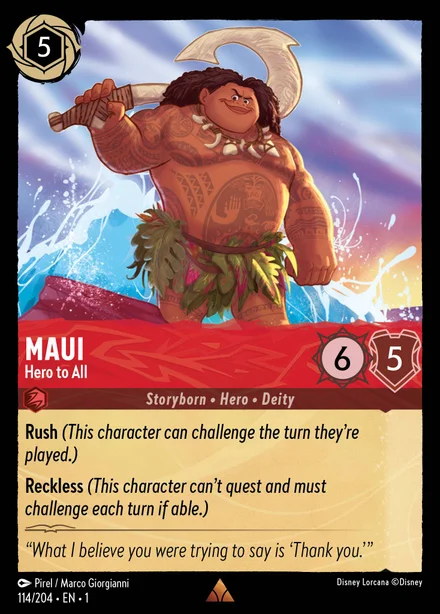

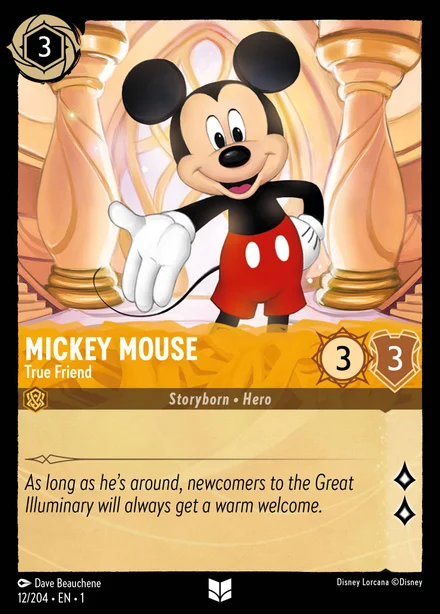
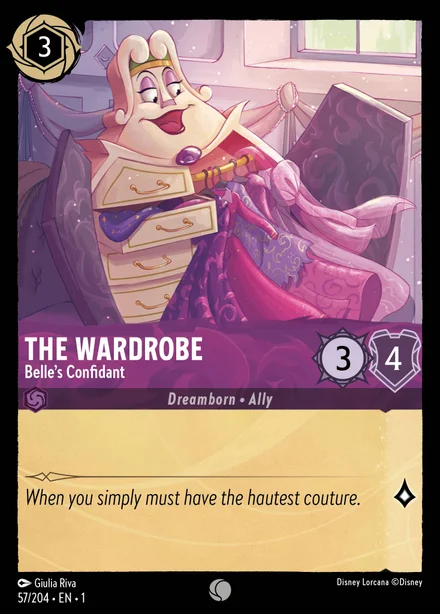
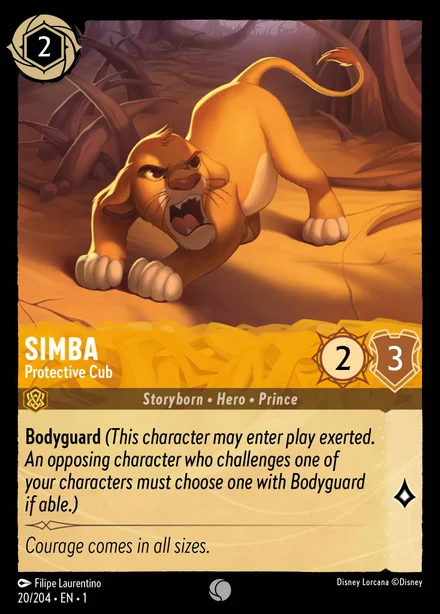

- Full size on hoverPoint at a card on stream and it opens beside the pointer, readable whatever the stream's quality.
- Details and pricesClick it for the card's text, its set and current market prices.
- Their card languageEach viewer picks the language cards are shown in, for every game that prints in several.
- Nothing to installThe overlay is part of the Twitch player. Viewers just watch, and hover when they want to.
For streamers: live in three steps
- Install Peek Live1Find Peek Live in Twitch's extension directory, install it and activate it as an Overlay on your channel.
- Pick your game2Open the extension's configuration, pick the game you stream and generate your scanner token.
- Run the scanner3Open the scanner beside OBS, with OBS WebSocket on or a window capture. Keep it visible while you stream: a hidden tab is throttled, and an OBS custom browser dock works.
Supported games
Every game the scanner recognizes. Pick yours in the extension's configuration.
- Disney Lorcana6 card languages
- Riftbound2 card languages
- Pokémon TCG6 card languages
- Magic: The Gathering11 card languages
- Star Wars: UnlimitedEnglish cards
- Flesh and Blood6 card languages
- Yu-Gi-Oh!6 card languages






Questions
What runs where?
The scanner runs in a browser on your streaming PC and reads only the stream picture: OBS's program output, or the window you capture. It sends which card is where to InkwellOverlay, which relays it to your viewers through Twitch. Viewers install nothing: the overlay runs inside the Twitch player.
What about the stream delay?
It is handled for you. Cards are synced automatically with each viewer's delay behind live and with your OBS stream delay, which the scanner reads from OBS (with a window capture, enter it once in the scanner). The card under a viewer's pointer is the one on their screen.
What does it cost?
Nothing. Peek Live is free for streamers and viewers, like the rest of InkwellOverlay.
Does it work on phones?
The hover overlay needs Twitch in a desktop browser: Twitch's mobile apps do not show video overlay extensions.